Every branch. Every remote user.
One routed network.
SecuryTik Overlay & VPN Automation
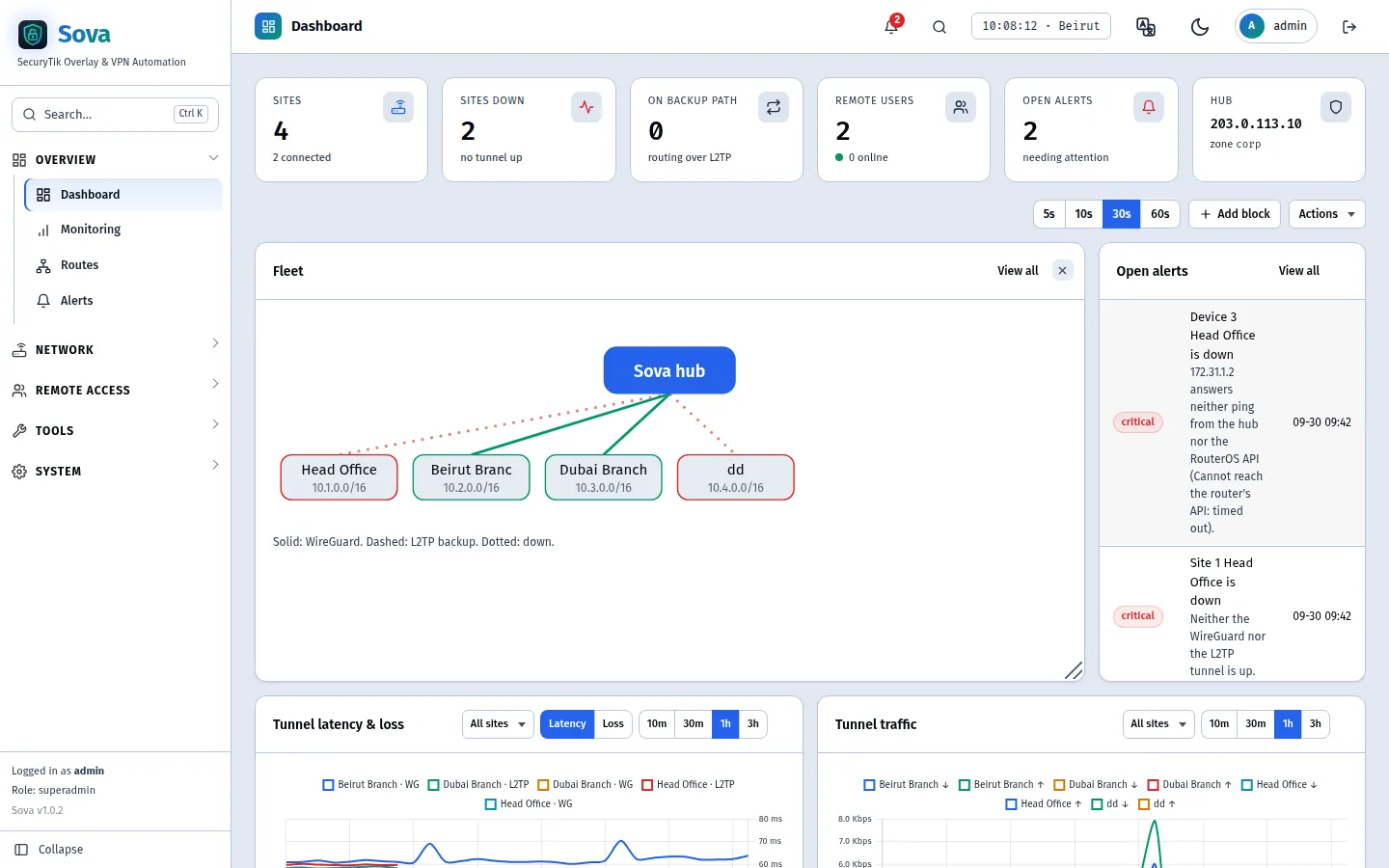
Sova turns one VPS into the hub of your company network. MikroTik branches — even behind NAT — dial in over WireGuard, learn each other's routes with OSPF and fall back to L2TP/IPsec on their own. Remote employees connect the same way. No NAT inside the fleet, no address planning by hand, no router config written from scratch.
- Your own VPS Your traffic never crosses ours
- One command Hub ready in minutes
- Paste one script Per branch, idempotent, safe
- Automatic failover WireGuard first, L2TP/IPsec backup
One line. One VPS. One network.
Run it as root on a fresh Ubuntu VPS with a public IP. The installer sets up the hub
(WireGuard, L2TP/IPsec, FRR, DNS, nginx and the panel), then open the server in a browser and
sign in as admin with the password the installer prints at the end.
Ubuntu VPS
Ubuntu 24.04 or 26.04 with a public IP — run as root.
curl -fsSL https://sova.securytik.com/install.sh | sudo bash
A hub, spokes, and routes that find themselves.
1 · Add a site
Name the branch. Sova gives it its own block, 10.N.0.0/16,
its networks and its tunnel addresses — derived, never typed.
2 · Paste the script
Copy the generated RouterOS 7 script into the branch terminal. It checks first, never touches the WAN or default route, and can be re-run safely.
3 · It routes
The branch dials the hub over WireGuard, OSPF shares the routes, and L2TP/IPsec takes over within about 20 seconds if WireGuard is blocked.
Everything a multi-branch network needs
No NAT inside the fleet
Every branch reaches every other by its real address — servers, printers, cameras.
Backup tunnel built in
L2TP/IPsec takes over in about 20 seconds when WireGuard is blocked.
Remote staff
WireGuard or built-in L2TP/IPsec, split or full tunnel, per-user access.
Policies & app blocking
Who reaches what between branches, and TikTok or games blocked per network.
MikroTik Manager
Health, updates and traffic history for every branch router — no public IP.
Alerts that matter
Branch down, backup path, foreign routes — on Telegram, email or WhatsApp.